This article provides links to the latest and archived versions of the RoboHelp screen layouts and profiles. You can download these screen layouts and profiles, use them in your RoboHelp project, and generate Responsive HTML5 or Multiscreen HTML5 output.
Responsive HTML5 screen layouts for RoboHelp (2017 release)
This section lists the Responsive HTML5 layouts that you can use in your RoboHelp (2017 release) projects.
Download the Responsive screen layout of your choice from the list below, change the filename extension from .zip to .slz, and then import it into your project. For more contextual information, see Screen layouts in RoboHelp User Guide.
Indigo
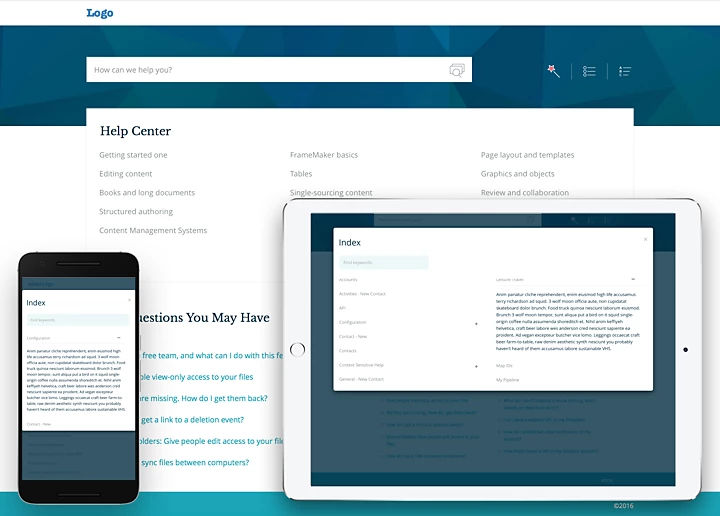
A frameless Responsive HTML5 layout that has best-in-class search and navigation.
To be able to customize layouts, you must have a clear understanding of SCSS, CSS, and JavaScript technologies. SCSS is an extension of CSS, which allows you to use variables, mixins, nested rules, and other basic programming fundamentals to create a CSS.
You can customize a Responsive layout in two ways:
Customize the appearance of the output through style sheets
Customize the behavior, such as handling search in a particular way, through JavaScript
The following sections explain these two methods of customizing the layout.
The scss-files-2017.zip file contains the .scss files for Azure Blue, Charcoal Grey, and Indigo layouts. Also, you will find other configuration files used by these layouts, such as right-to-left layout configuration files.
Modify the .scss file of the layout you want to use.
Note:
For example, if you want to modify the Indigo layout, then modify the layout.scss file available in the scss-files-2017\indigo folder.
Use any .scss file compiler to generate a .css file from the updated .scss file.
Note:
The CSS files bundled with RoboHelp layouts have been compiled using a third-party tool named Koala. You can either use Koala or any other tool to compile the .scss file.
Note:
If you want to generate the RTL CSS, then open the scss-files-2017\_rtl.scss file in a text editor. Set $if-rtl to true, then rename the generated layout.css to layout_rtl.css.
Extract the contents of the layout zip file (Indigo.zip or Ocean.zip) and replace the layout.css file in the zip with the updated .css file that you have created in Step 3.
Note:
The layout.css file is available under the root folder of the layout zip file. For example, for Charcoal Grey layout, the location of the CSS file is scss-files-2017\indigo\layout.css.
Re-create the zip file with the updated layout.css.
Rename the zip file to .slz and import it into your project.
JavaScript customization
You can also change the behavior of certain events in your layout by customizing the associated JavaScript files. For example, if you see any JavaScript related error in any browser, you can change the JavaScript code to fix the issue.
Perform the following steps to customize layout using JavaScripts:
The scripts folder contains four files: common.js, layout.js, rh.js, and topic.js. Each of these JavaScript files contains code that controls the behavior of various components in your layout.
Create a backup of the .js file that you want to work on and then modify the .js files as per your requirements.
Rename the modified file to <file name>.min.js. For example, rename the common.js file to common.min.js.
Note:
Instead of manually renaming the .js files to .min.js, it is recommended to use a minification tool (such as JavaScript minifier) to minify the updated .js files.
Replace the JavaScript files in the scripts folder in the RoboHelp install location (given in Step 1). Or, you can replace the scripts in the published (project's) output folder. The location to store the updated JavaScript files in your project is:
<project folder>\template\scripts
If you replace the scripts in the RoboHelp install location, then all subsequent output will be generated with the customized .js files.
If you replace the scripts in the published output folder, then only the project will have the updated .js files. If you regenerate the project output, then it will lose all customizations.
Responsive HTML5 screen layouts for RoboHelp (2015 release)
Download the Responsive screen layout of your choice from the list below, change the filename extension from .zip to .slz, and then import it into your project. For more contextual information, see Screen layouts in RoboHelp User Guide.
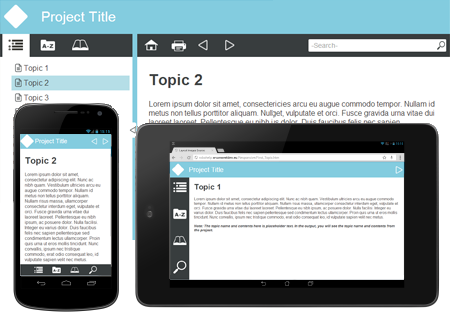
The Responsive layout automatically gives every device an optimized frame. With the Responsive layout, you serve your Help content on all devices such as desktop, tablet, or mobile at the same time.
To be able to customize layouts, you must have a clear understanding of SCSS, CSS, and JavaScript technologies. SCSS is an extension of CSS, which allows you to use variables, mixins, nested rules, and other basic programming fundamentals to create a CSS.
You can customize a Responsive layout in two ways:
Customize the appearance of the output through style sheets
Customize the behavior, such as handling search in a particular way, through JavaScript
The following sections explain these two methods of customizing the layout.
Style sheet customization
Download and extract the contents of the scss-files.zip file.
Note:
The scss-files.zip file contains the .scss files for Azure Blue and Charcoal Grey layouts. Also, you will find other configuration files used by these layouts, such as right-to-left layout configuration files.
Modify the .scss file of the layout you want to use.
Note:
For example, if you want to modify the Azure Blue layout, then modify the layout.scss file available in the scss-files\scss\Azure_Blue folder.
Use any .scss file compiler to generate a .css file from the updated .scss file.
Note:
The CSS files bundled with RoboHelp layouts have been compiled using a third-party tool named Koala. You can either use Koala or any other tool to compile the .scss file.
Note:
If you want to generate the RTL CSS, then open the scss-files\scss\_rtl.scss file in a text editor. Set $if-rtl to true, then rename the generated layout.css to layout_rtl.css.
Extract the contents of the layout zip file (Azure_Blue.zip or Charcoal_Grey.zip) and replace the layout.css file in the zip with the updated .css file that you have created in Step 3.
Note:
The layout.css file is available under the root folder of the layout zip file. For example, for Charcoal Grey layout, the location of the CSS file is scss-files\scss\Charcoal_Grey\layout.css.
Re-create the zip file with the updated layout.css.
Rename the zip file to .slz and import it into your project.
JavaScript customization
You can also change the behavior of certain events in your layout by customizing the associated JavaScript files. For example, if you see any JavaScript related error in any browser, you can change the JavaScript code to fix the issue.
Perform the following steps to customize layout using JavaScripts:
Download and extract the contents of the js-files.zip file.
Note:
The zip contains four files: common.js, layout.js, rh.js, and topic.js. Each of these JavaScript files contains code that controls the behavior of various components in your layout.
Modify the .js files as per your requirements.
Rename the modified file to <file name>.min.js. For example, rename the common.js file to common.min.js.
Note:
Instead of manually renaming the .js files to .min.js, it is recommended to use a minification tool (such as JavaScript minifier) to minify the updated .js files.
Replace the JavaScript files in the scripts folder in the RoboHelp install location:
Or, you can replace the scripts in the published (project's) output folder. The location to store the updated JavaScript files in your project is:
<project folder>\template\scripts
If you replace the scripts in the RoboHelp install location, then all subsequent output will be generated with the customized .js files.
If you replace the scripts in the published output folder, then only the project will have the updated .js files. If you regenerate the project output, then it will lose all customizations.
Responsive HTML5 layouts for RoboHelp 11
This section lists the Responsive HTML5 layouts that you can use in your RoboHelp 11 projects.
Theme_1 Standard
The layout gives every device an optimized frame. With the Responsive layout, you serve all devices at the same time.
This section lists the Multiscreen HTML5 layouts that you can use in your RoboHelp (2015 release) or 11 projects.
Desktop layouts
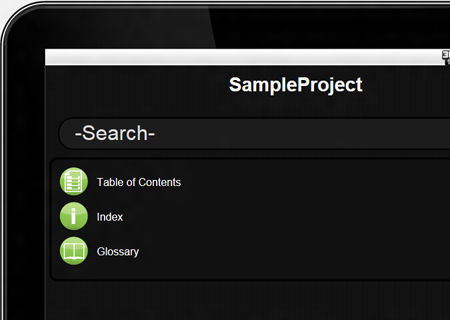
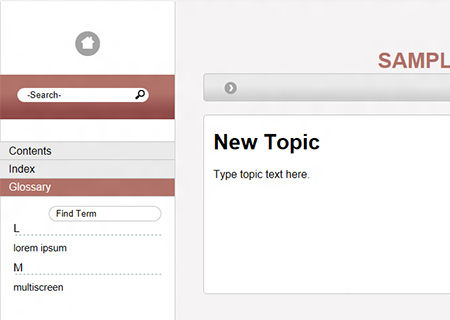
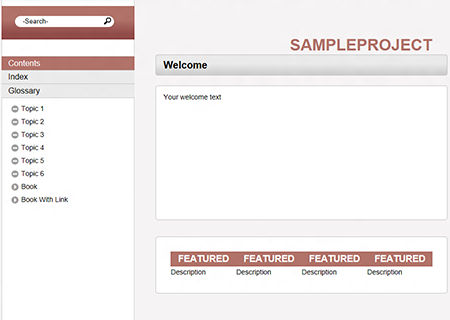
Desktop layout: A gray and brown theme is easy to navigate with TOC, Index, and Glossary on the left side. This layout for Desktop is part of a family that also includes ready-made layouts for these screens: iPhone, iPad, Android Phone, Android Tablet, and Kindle Fire.
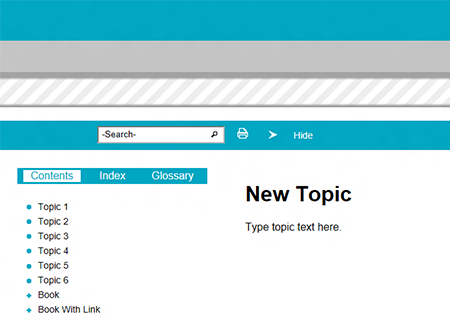
Catalog: Deep Turquoise banners and drop shadow panels for featuring products or services. Unusual display of the Table of Contents, Index, and Glossary is set to the left. It is easily hidden when the user prefers to have more real estate for viewing.
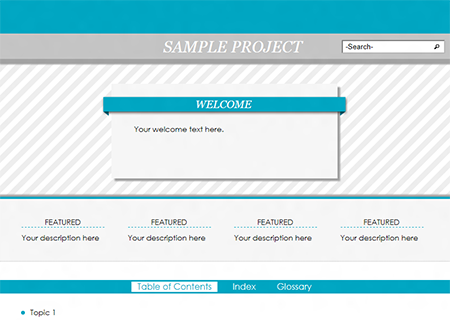
Catalog with home page: Deep turquoise banners and drop shadow panels for featuring products or services. Unusual display of the Table of Contents, Index, and Glossary is set to the left. It is easily hidden when the user prefers to have more real estate for viewing.
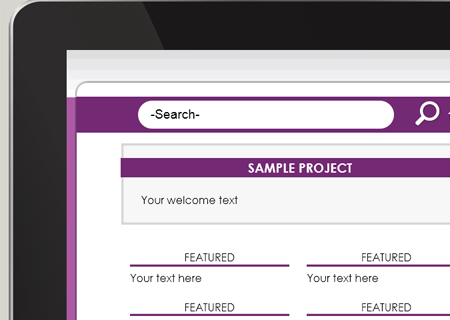
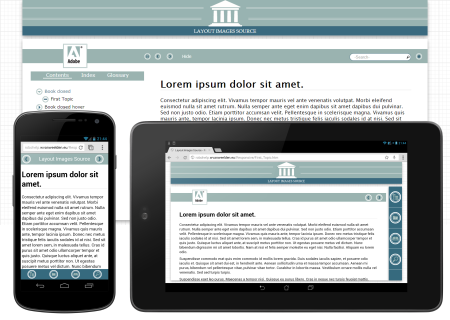
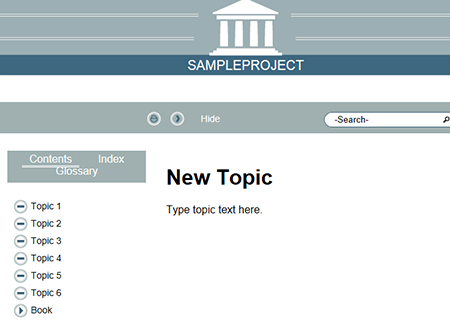
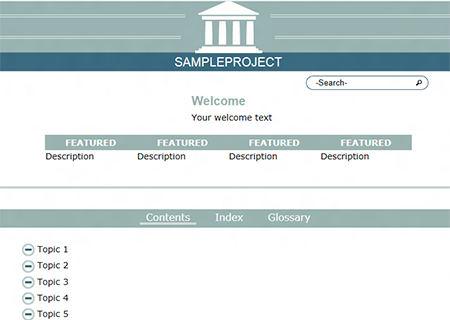
Government with home page: A formal classic style with dark sea green and slate gray and color accents for banners and headings. The Home Page has placeholders for Featured items ready for you to modify with your own text.
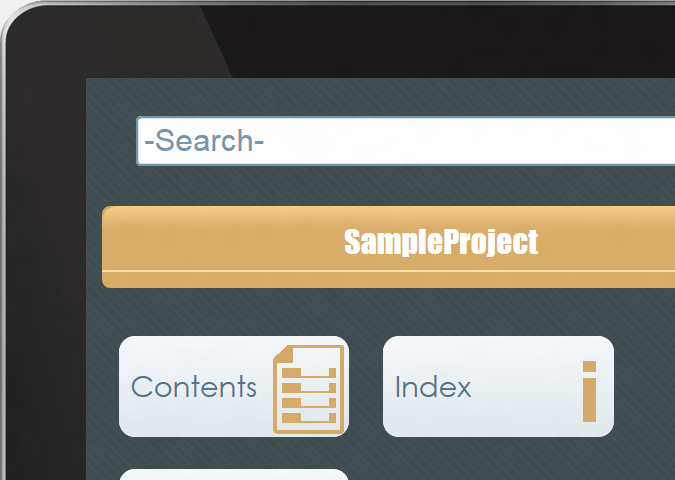
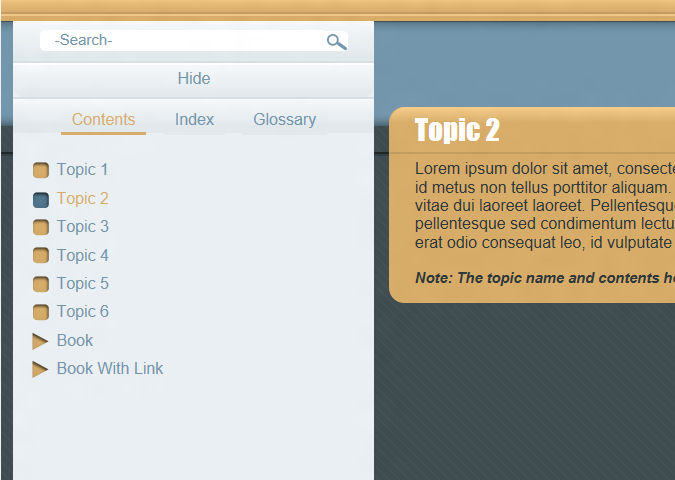
Knowledge: Soft light brown background colors with light gray icons and accents. Uses a horizontal Table of Contents, Index, and Glossary positioned on the left. Easy access to search.
Knowledge with home page: Soft light brown background colors with light gray icons and accents. Uses a horizontal Table of Contents, Index, and Glossary positioned on the left. Easy access to search.
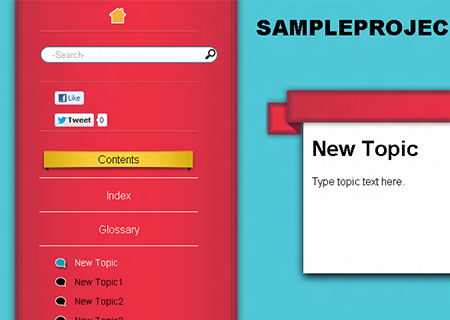
Social: A colorful, socially enabled layout with preset code for real-time Facebook Likes and Twitter Follows. It uses a horizontal accordion-style navigation panel for the TOC, Index, and Glossary. This layout has separate topic and search results pages.
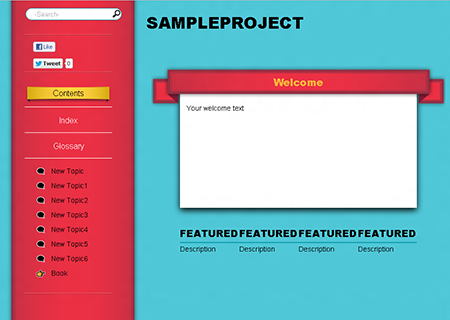
Social with home page: A colorful, socially enabled layout with preset code for real-time Facebook Likes and Twitter Follows. It uses a horizontal accordion-style navigation panel for the TOC, Index, and Glossary. This layout has separate topic and search results pages.
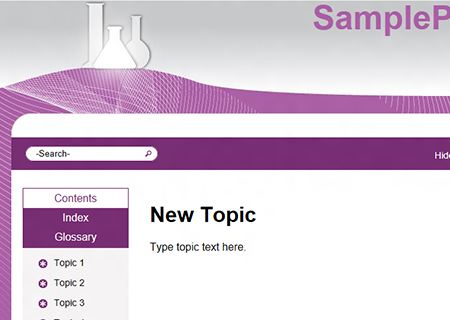
Pharmaceutical: Laboratory glassware creates a modern motif for this classical theme done in shades of lavender. This theme is part of a family of already-prepared layouts, which also include iPhone Pharmaceutical and iPad Pharmaceutical. They can be found in the Gallery. You can customize for whatever screen size your device needs.
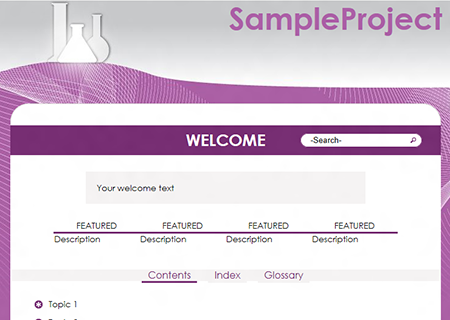
Pharmaceutical with home page: Laboratory glassware creates a modern motif for this classical theme done in shades of lavender. The home page offers placeholders for adding your featured products or services in an easy-to-navigate setting. This layout is part of a family of already-prepared layouts, which also include iPhone Pharmaceutical and iPad Pharmaceutical. Or, customize for whatever screen size your device needs.
Pharmaceutical with home page screen layout
Smartphone layouts
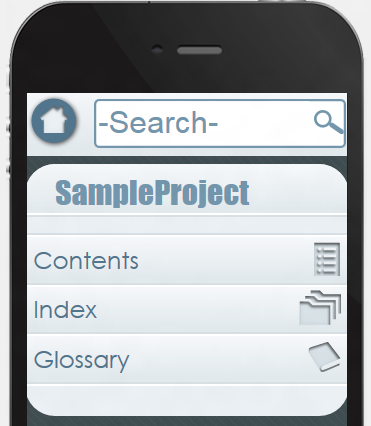
iPhone: A light blue and gray theme is bright and easy to navigate with TOC, Index, and Glossary and always accessible Search. This layout for iPhone is part of a family that also includes ready-made layouts for these screens: Desktop, iPad, Android Phone, Android Tablet, and Kindle Fire.
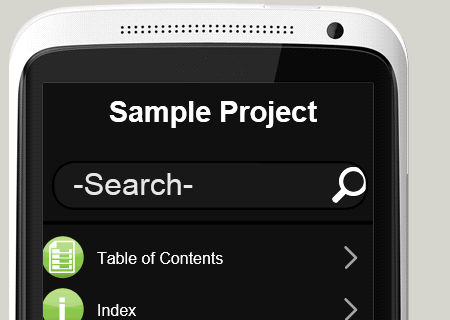
Android: A teal, green and black color scheme pre-configured to display in Android Phones of popular sizes. This layout is part of a family that also includes ready-made layouts for these screens: Desktop, iPhone, iPad, Android Tablet, and Kindle Fire.
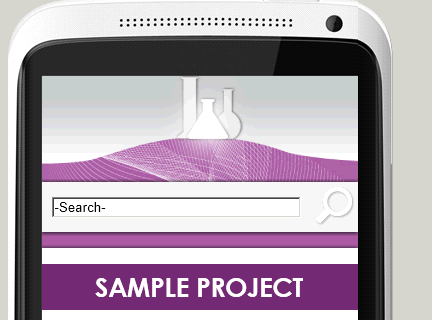
Pharmaceutical with home page: Laboratory glassware creates a modern motif for this classical theme done in shades of lavender. The home page offers placeholders for adding your featured products or services in an easy-to-navigate setting. This layout is part of a family of already-prepared layouts, which also include iPhone Pharmaceutical and iPad Pharmaceutical. Or, customize for whatever screen size your device needs.
Pharmaceutical with home page (Smartphone screen layout)
Tablet layouts
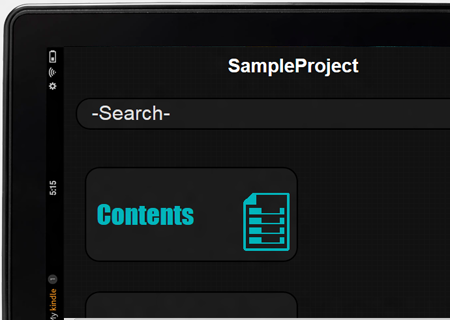
Android: A teal, green and black color scheme pre-configured to display in Android Tablets of popular sizes. This layout is part of a family that also includes ready-made layouts for these screens: Desktop, iPhone, iPad, Android Phone, and Kindle Fire.
iPad: A gray and brown theme is easy to navigate with TOC, Index, and Glossary and always accessible Search. This layout for iPad is part of a family that also includes ready-made layouts for these screens: Desktop, iPhone, Android Phone, Android Tablet, and Kindle Fire.
Kindle Fire: A teal, green and black color scheme pre-configured to display in Kindle Fire. This layout is part of a family that also includes ready-made layouts for these screens: Desktop, iPhone, iPad, Android Phone, and Android Tablet.
Pharmaceutical with home page: Laboratory glassware creates a modern motif for this classical theme done in shades of lavender. The home page offers placeholders for adding your featured products or services in an easy-to-navigate setting. This layout is part of a family of already-prepared layouts which also include iPhone Pharmaceutical and Desktop Pharmaceutical. Or, customize for whatever screen size your device needs.
Pharmaceutical with home page (tablet screen layout)
Screen profiles
Download the predefined_screens.zip file, which contains screen profiles for various devices. The zip contains an XML file - predefined_screens.xml. Save the XML file at the following two locations:
AppData\Roaming\Adobe\RoboHTML\<Rh version>
<Rh install location>\RoboHTML\presets
RoboHelp updates the list of predefined screen profiles for your project.
Share this page
Was this page helpful?
We're glad. Tell us how this page helped.
We're sorry. Can you tell us what didn't work for you?
Thank you for your feedback. Your response will help improve this page.
Join our in-person and virtual events to explore technical content and knowledge management trends, hear customer success stories, build skills, and network with peers and industry leaders.


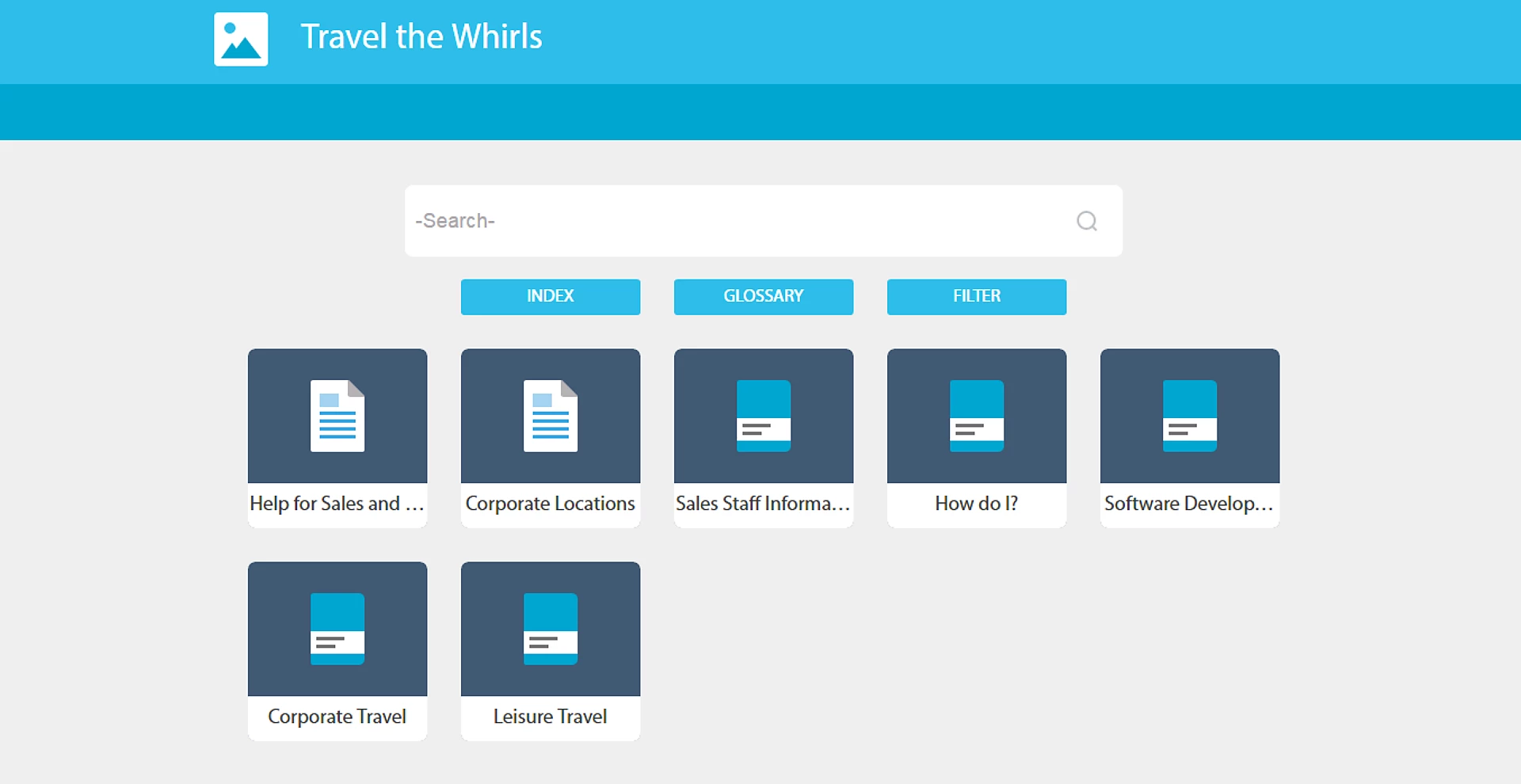 OceanA frameless layout that allows your users to bookmark their favorite topics from your Help.Note:Starting with Update 2 of RoboHelp, the Ocean layout has been deprecated from the product.DownloadGet file Ocean.zip
 Customize layoutsNote:To be able to customize layouts, you must have a clear understanding of SCSS, CSS, and JavaScript technologies. SCSS is an extension of CSS, which allows you to use variables, mixins, nested rules, and other basic programming fundamentals to create a CSS.You can customize a Responsive layout in two ways:
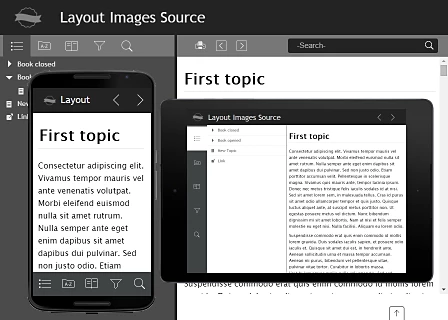
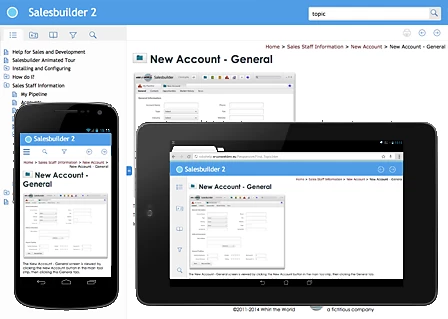 Charcoal GreyDownloadGet file Charcoal_Grey.zip
 Customize layoutsNote:To be able to customize layouts, you must have a clear understanding of SCSS, CSS, and JavaScript technologies. SCSS is an extension of CSS, which allows you to use variables, mixins, nested rules, and other basic programming fundamentals to create a CSS.You can customize a Responsive layout in two ways:
 Theme 2_Government layoutA formal classic style with dark sea green and slate gray color accents for banners and headings.DownloadGet file Theme2_Government.zip
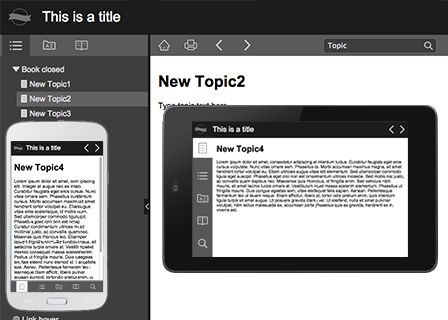
 Theme_3 BlackA formal classic style with black accents for banners and headings.DownloadGet file Theme3_Black.zip
 Smartphone layouts
 Tablet layouts